
Enterprise Gmail™ Backup & Recovery for Google Workspace™
Secure, Daily Backup and Recovery for Gmail™ Messages with Ransomware Detection and Response

Google Workspace™ Backup Pricing

- Automated daily data backup
- Ransomware Recovery SLA:
2hrs or less with 99.9% recovery rate - 24/7 support by phone, email, or chat
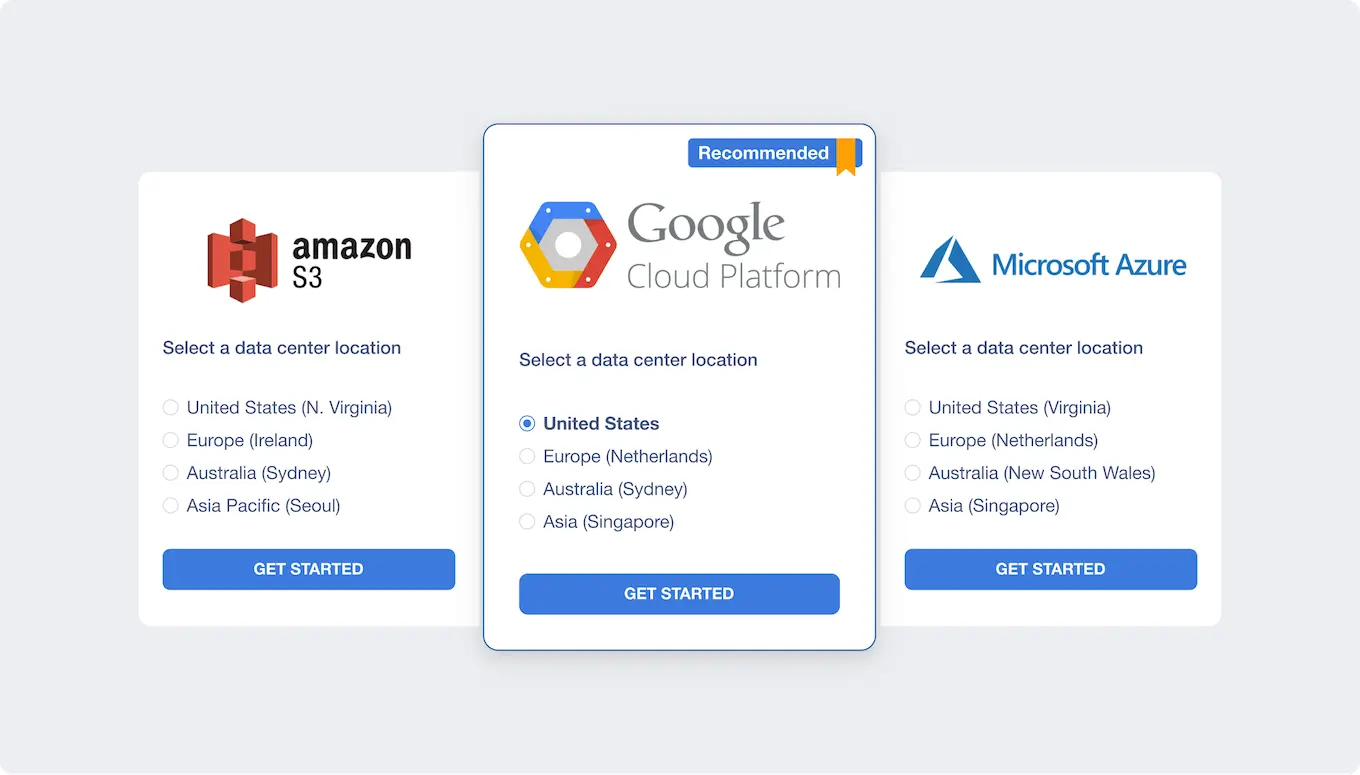
- Storage in popular locations like AWS, GCP, Azure, or bring your own cloud storage
- Compliance with SOC 2, Data Privacy Framework, and GDPR
- Easy data management
- Quick granular recovery
- Detailed incident reporting
1,000,000+ Business Users Trust Spin.AI to Protect Their SaaS Environment
min, SpinOne saves $336K–$540K/hour


Mitigate the Risks of Ransomware
Don’t let ransomware interrupt your flow of business.
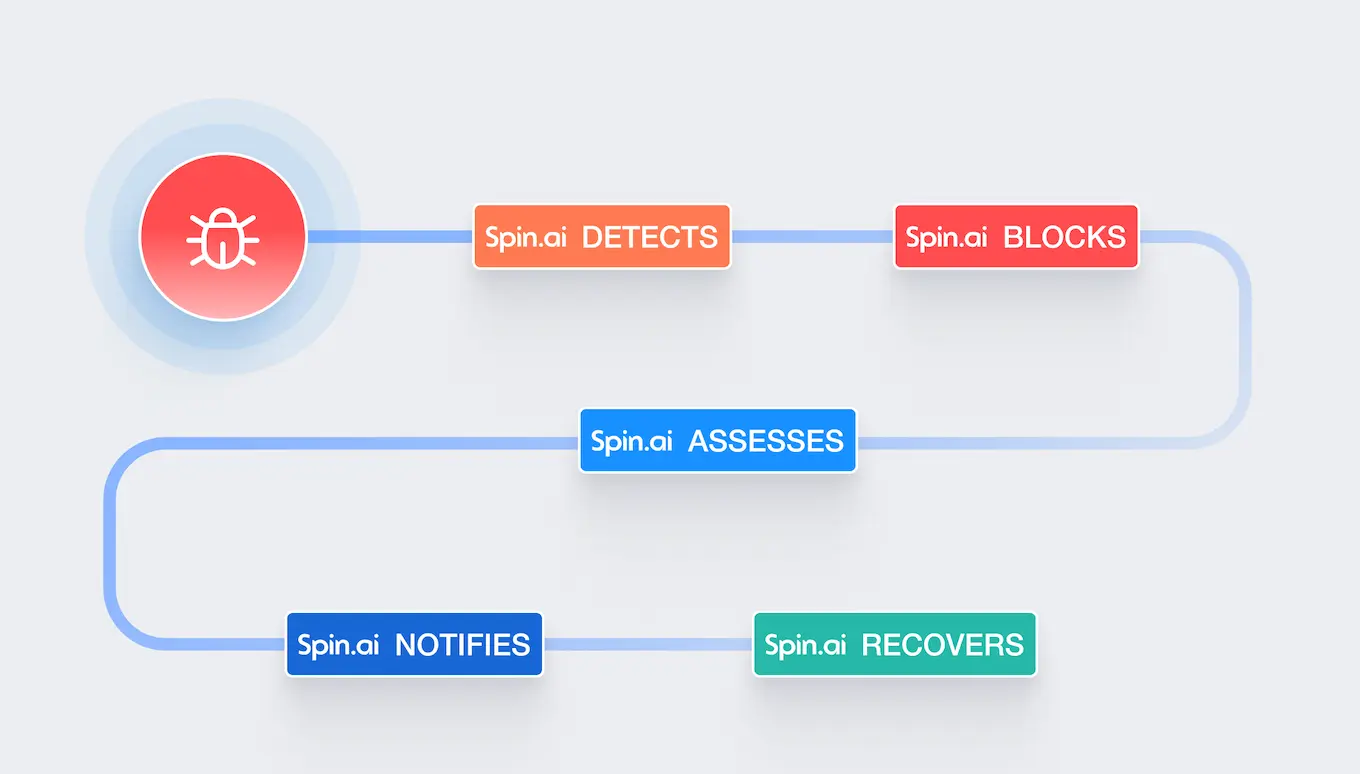
SpinBackup with Ransomware Detection and Response:
Our award-winning platform will have you back up and running in minutes, not weeks.
Accurately Recover Business Gmail™ Accounts
As a secure SaaS application, Gmail™ is still vulnerable to ransomware, man-in-the-middle-attacks, and human error. SpinBackup‘s Gmail™ backup and ransomware prevention tool mitigates the risk of data loss with daily Gmail™ data backups and storing a daily snapshot of business Gmail™ accounts for complete or selective backup file recovery for deleted Gmail™ emails and data recovery, enabling you to recover deleted email messages easily.
Store copies of your data in Azure, GCP, AWS or any other storage of your choice, inaccessible to ransomware or cybercriminals. As an enterprise Gmail™ recovery tool, SpinBackup helps you achieve your data protection goals, prevent ransomware, and achieve compliance.
3 Easy Steps to Gmail™ Daily Protection
You don’t have to export Gmail™ data to save it anymore with our Gmail™ message recovery tool from SpinBackup. Here’s a better way:
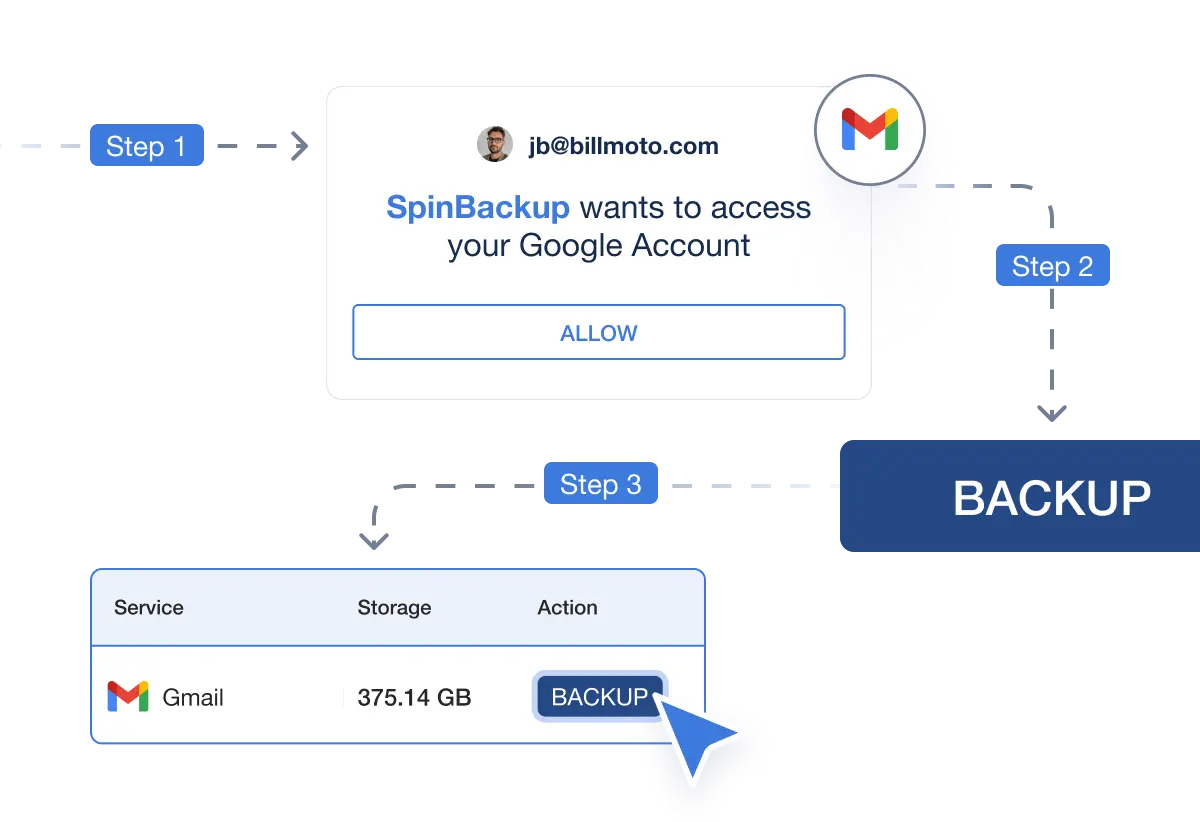
Step 1
Grant SpinBackup access to your Google Workspace™ Account
Step 2
Tap the ‘Backup’ button to initiate backup and configure schedule.
Step 3
Recover Gmail™ with a click, anytime, anywhere



Book a Demo with Spin.AI
Schedule a 30-minute personalized demo with one of our security specialists
Gmail Data Protection for Google Workspace Administrators

Multi-SaaS Coverage
Protect multiple SaaS applications from one dashboard for easy management and complete coverage of your mission-critical data.

Powerful Automation
Get 1x or 3x per day automated saas backups process with fast, and accurate, automated recovery.

Secure SaaS Storage
Backup Gmail™ messages data on secure cloud storage: AWS, GCP, Azure, or BYOS. Choose your location to meet data residency requirements.

Meet Compliance Requirements
Store your data securely at 32 locations around the world to meet regional data retention and residency compliance requirements.

Robust Search Capabilities
Use Spin.AI’s numerous search filters to quickly find and recover the lost data you’re looking for in Gmail™.

Flexible Retention Policies
Configure your data retention policies from 6 months to indefinite to meet internal and industry compliance requirements.
Why SpinBackup
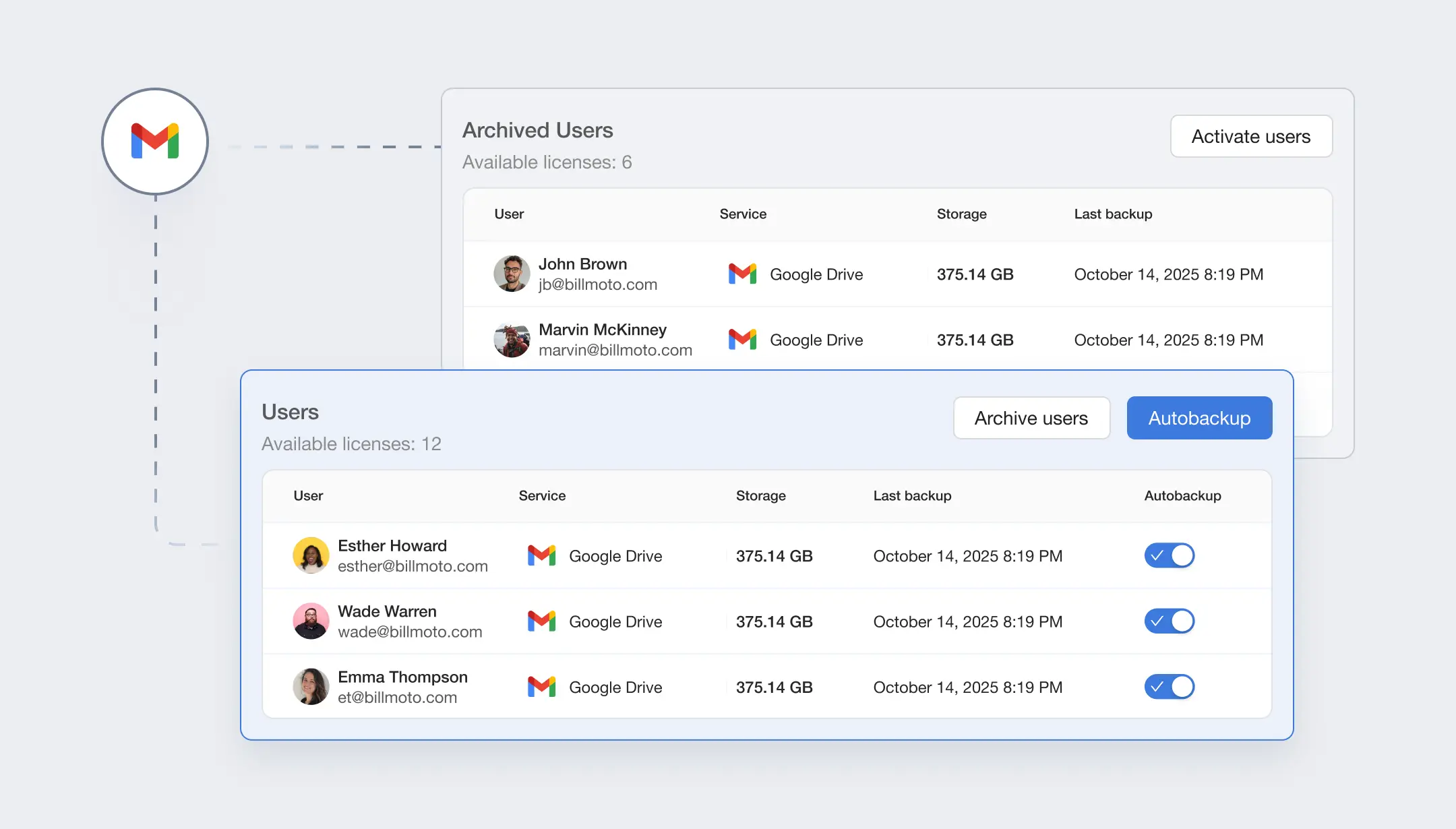
Why Google Workspace Needs Third-Party Gmail Backup
The volume of your employees’ Gmail™ inbox data is constantly growing. Google maintains world-class data centers used by multiple, redundant storage systems and guarantees the highest level of privacy and data security. While Google has strong security, there is no way to restore lost Gmail™ messages or a deleted email from the Gmail™ email client unless you have a third-party Gmail™ backup tool.
How to Recover Business Email Across a Workspace Domain
How can you manage Google business email recovery of data loss disasters caused by user errors, malicious deletions, or hacker activity?
The most common case of data loss is human error. When a Gmail™ message is deleted, you may still find it in the Gmail™ Trash folder. You can restore Gmail™ messages from the Trash within 30 days of initial deletion. Gmail™ account recovery options from SpinBackup allow you to restore any version of your Gmail™ account and migrate to another account. It also enables you to recover permanently deleted emails, including emails with attachments, to your account or any Gmail™ account of your choosing.
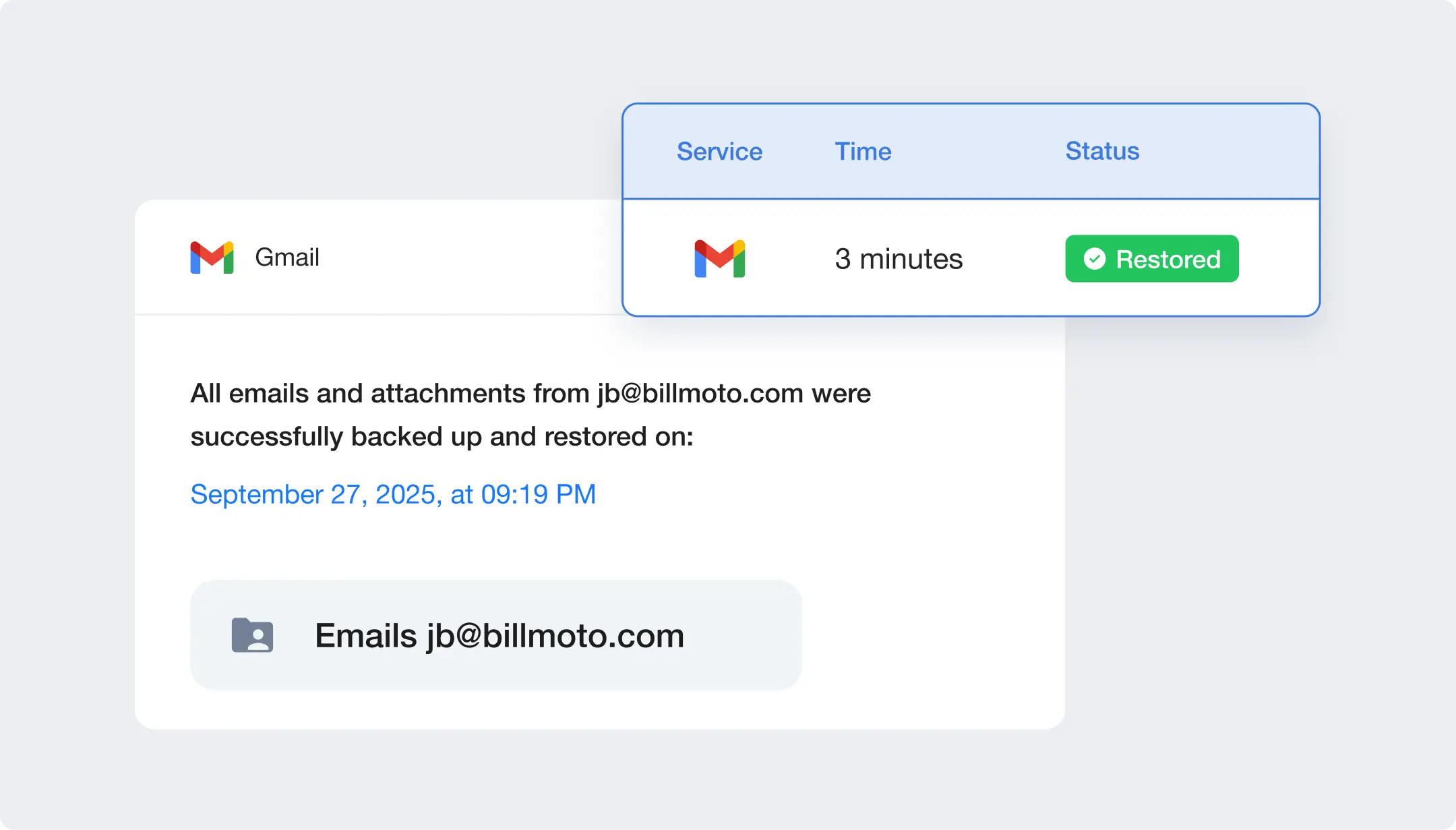
Gmail Backup Success Rate and Reliability
SpinBackup uses modern, innovative technology to significantly decrease failures and throttling issues for Gmail™ backup services. Technical differentiators include:
Rate Limit Management
Our best-in-class restoration capabilities help you overcome common throttling and API limits.

Incremental Backups
SpinBackup lets you conduct both batch operations and incremental backups to restore precisely or en masse.

Intelligent Planning
Avoid service-based limits with uniform distribution of requests by type (e.g. drive, email backups).

Deduplication Feature
Ensure the same files are not backed up multiple times




Exponential Backoff Executor
Overcome time-based quotas and ‘service unavailable’ cases with this unique feature.

Provider Error Handling
Auto-process throttling issues and limits as SpinBackup reschedules and retries automatically.

System Support Alerts
Rely on our experts by generating alerts to Spin.AI internal engineering team for investigation anytime you have an issue.

Optimize Individual Limits
Get the best speed and quality based on improved limits Spin.AI has negotiated with providers.
A Gmail™ Backup Security Solution You Can Trust
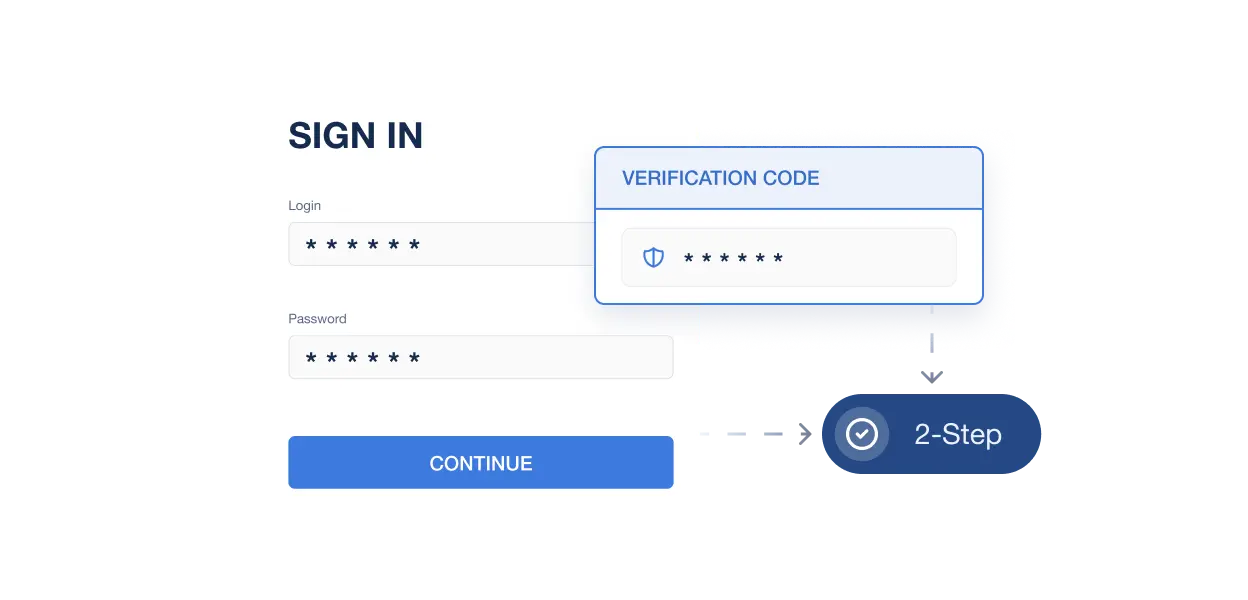
2-Step Verification Access Control
Keep your data safe with 2-step verification – this provides an extra layer of security for your sensitive data.
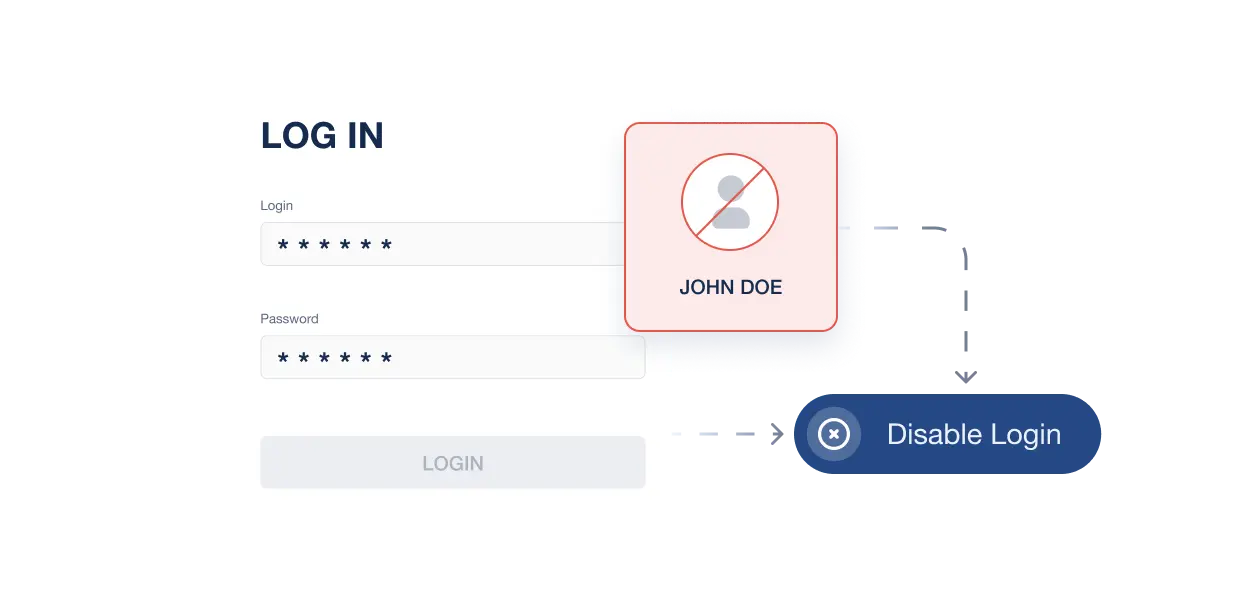
Disable login with Google
SpinBackup protects Google users from account hijacking in cases where the original Google account has been compromised by cybercriminals.
OAuth 2.0
SpinBackup utilizes the most secure Google API OAuth 2.0 to make communication between Google and SpinBackup services as secure as possible. We don’t store your Google password on our servers thanks to OAuth 2.0.
Encryption
Top-level encryption methods for transferring (“in-transit”) and storing (“at-rest”) your data are used. As an Amazon Advanced Technology Partner, we provide a layered approach to encryption, using 256-bit AES to protect data security during electronic transmission and storage.
Why Enterprises Choose SpinBackup for Gmail Backup
Frequently Asked Questions
Have more questions about SpinBackup’s Gmail™ backup software? Learn more from our FAQ section or contact our support.
SpinBackup offers a range of advanced features for Gmail™ backup that significantly enhance data protection and management for users. Some of these features include:
- Automated Daily Backups: SpinBackup automatically performs daily backups of Gmail™ data, ensuring that the latest emails are always securely stored. This feature prevents data loss by maintaining up-to-date backups without requiring manual intervention.
- Version History: Users can access a history of previous versions of their emails that will be kept inside of their folder structure or unique email client structure. This feature allows users to restore specific versions of emails if they need to recover past correspondence or in the case of inadvertent changes or deletions.
- Advanced Search and Restore: SpinBackup’s Gmail™ email backup software provides powerful search capabilities that make it easy for users to find and restore specific emails or data sets. This additional feature enhances productivity by allowing users to quickly locate important mailbox items and information.
- Data Encryption: All Gmail™ backups are encrypted both in transit and at rest with our backup utility, ensuring that sensitive information is protected against unauthorized access. This backup strategy and level of security is crucial for compliance with privacy regulations and protecting user data.
- Ransomware Protection: SpinBackup includes built-in ransomware protection that detects and responds to potential threats for an All-in-one tool backup option. This feature provides an additional layer of security by identifying unusual activity and helping to prevent data from being compromised or corrupted.
- Cross-User Restore: This feature allows administrators to restore data and backup emails from one user’s account to another within the same organization. It is particularly useful in scenarios such as employee departure or role changes, facilitating seamless Google account data transfer and continuity.
- Data Migration: SpinBackup simplifies the process of migrating Gmail™ data and email attachments from one Google account to another or between domains, making it easier for organizations to restructure or merge email accounts without losing important information.
By incorporating these advanced features, SpinBackup not only helps in safeguarding Gmail™ data and Google accounts but also streamlines the management and recovery processes, offering a comprehensive solution for data protection and continuity.
Yes, SpinBackup for Gmail™ offers granular recovery options for individual emails and entire mailboxes with different file formats. This means you can recover both entire mailboxes in situations like complete mailbox deletion or ransomware attacks, as well as individual emails that were accidentally deleted or lost for other reasons.
Yes, the SpinBackup Gmail™ backup tool allows for complete email backups and captures all the data within those mailboxes, including emails and their attachments in resultant files from previous backups.
You can configure SpinBackup to retain your backups, including deleted emails, from 6 months to indefinitely in the backup process. This means SpinBackup ensures your deleted emails are recoverable throughout the email backup process as long as you’ve configured them and your subscription lasts.
Yes. SpinBackup has powerful features that help provide backup and security for your Gmail™ data during and after the migration process.
No, we don’t store your Google account credentials on our servers. SpinBackup uses secure Google API OAuth 2.0 authorization to connect to your Gmail™ account. OAuth grants SpinBackup access to your data without needing your actual password or other credentials.
No. SpinOne is licensed per user for Google Workspace domains, with a minimum subscription. We do not offer a free tool for individual Gmail accounts.
SpinBackup’s functionality is geared towards backing up entire mailboxes, but you can always apply our advanced filter options to find and recover necessary emails from particular senders.
We offer 24/7 support by phone, email, or chat. Contact Support at https://spin.ai/support/.
Absolutely. We can help you back up other Google apps including Google Drive™, Gmail™ Contacts, Calendar and more. This also covers all of the Google Sheets, Docs, Slides and other files you have stored in Google Drive™ including Shared Drive™.






